

Run programmatic display, connected TV (OTT), streaming audio and broadcast buys alongside search and social, against the same budget.
DSP under control
Connect each store and make changes with an approval trail.
- Change insertion order and line item budgets, daily maximums, CPM bids, frequency caps and status from Axion.
- Full transparency into your media – see exact detail from the advertising platform of when, where, how often, on which devices, and in what geographic area directly from the platform.
- See every creative, the line items it runs on, what it served in the last 30 days, and a live preview.
Reporting across every format
One view of programmatic results, with alerts when delivery slips.
- Results by insertion order, device, format and placement across display, CTV and OTT video, Pre-Roll and Demand Gen, streaming audio and digital out-of-home.
- Geography by DMA and ZIP, unique reach and frequency, and in-area versus out-of-area spend.
- Automatic email alerts when CTV completion falls under 90 percent, audio completion under 85 percent or display viewability under 60 percent, when CPM drifts more than 20 percent, or when an insertion order is more than 20 percent off pace.
- A brand-safety exclusion list download and a monthly performance report.
Broadcast planning and buying
Plan the year’s broadcast media and run each buy from proposal to aired spots.
- Annual media planning by network, station or zone and daypart, cascaded to stores with a rollup for the group.
- A buying queue that tracks proposals, placements and placed buys, with what’s due this week and what’s overdue.
- Media schedules with market, daypart, spot length, rate and run dates.
- Send to traffic uploads spots to the station, emails the run dates and rotation, and adds each spot to the marketing calendar.
- A vendor directory of stations with market, call letters, traffic contacts and delivery details.
Every buy reconciled
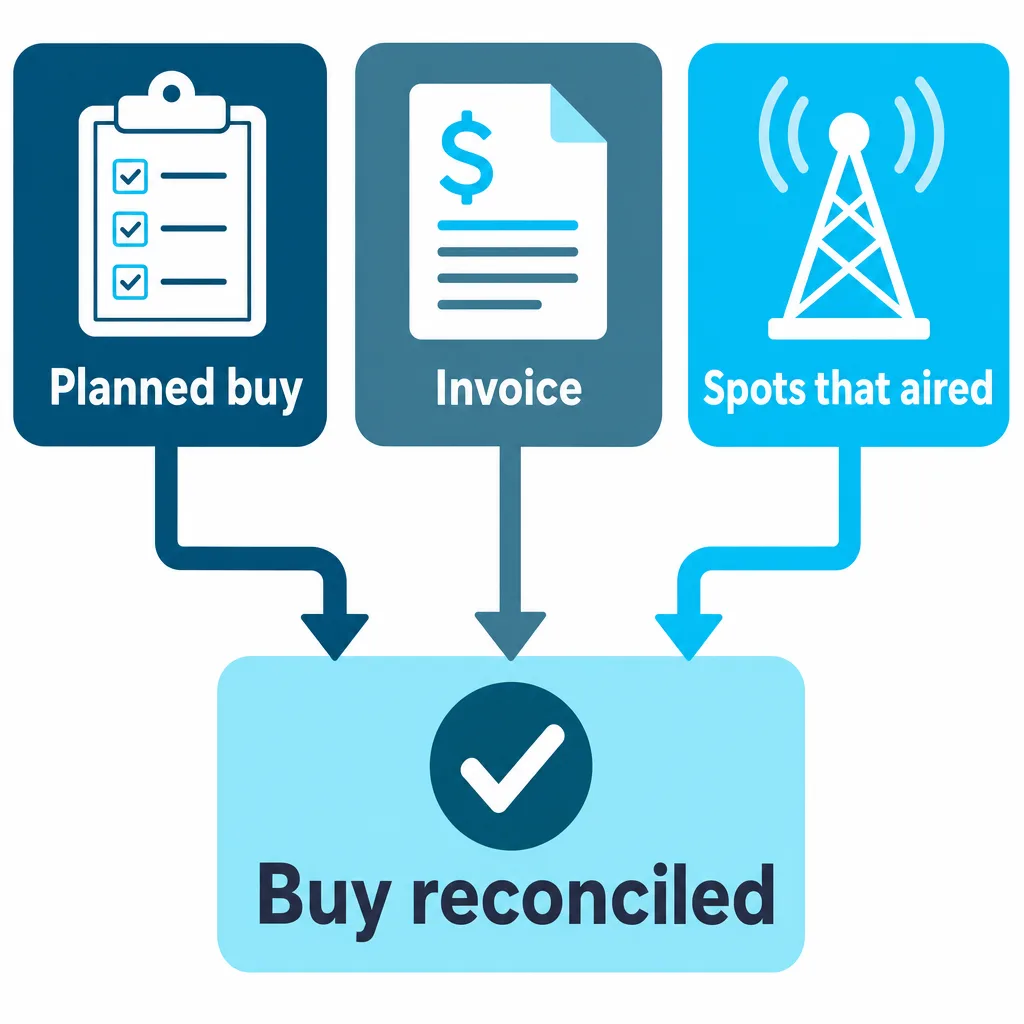
Check what you planned against what you were invoiced and what actually aired.
- Spot attribution with time-decay traffic lift, and results by network, zone, day and time.
- Reconciliation of the buy against the invoice and the spots that aired.
- A cost breakdown from gross budget through fees to net ad spend, compared to the actual buy.
- Placements create budget lines automatically, and proposals go to budget planning for approval.
- Programmatic management fees and spend can sync to budget line items when enabled.
Frequently asked questions
How can I manage programmatic campaigns for multiple dealerships?
Axion connects each store to a DSP account and lets you change insertion order and line item budgets, daily maximums, CPM bids, frequency caps, status, and other options. The media buyer applies changes immediately, anyone else submits a request for approval, and every change is logged with before and after values.
Which programmatic formats does Axion report on?
Axion reports programmatic results by insertion order, device, format and placement across display, CTV and OTT video, YouTube and Demand Gen, streaming audio and digital out-of-home. Reports include geography by DMA and ZIP, unique reach and frequency, and in-area versus out-of-area spend.
How do I know when a programmatic campaign is underdelivering?
Axion sends automatic email alerts when CTV completion falls under 90 percent, audio completion under 85 percent or display viewability under 60 percent. Alerts also fire when CPM drifts more than 20 percent or an insertion order is more than 20 percent off pace.
How do I reconcile broadcast media buys against invoices?
Axion reconciles each broadcast buy against the invoice and the spots that actually aired, and shows a cost breakdown from gross budget through fees to net ad spend. Spot attribution with time-decay traffic lift shows results by network, zone, day and time.
Can Axion send commercial spots to broadcast stations?
Yes. Axion’s send to traffic step uploads spots to the station, emails the run dates and rotation, and adds each spot to the marketing calendar. A vendor directory keeps each station’s market, call letters, traffic contacts and delivery details.
See your media plan in one place
We’ll walk through planning, buying and reconciling programmatic and broadcast media in Axion.